
AI Overview:
This comprehensive guide explains why multi-factor authentication (MFA) has become a non-negotiable layer of cybersecurity for modern businesses. It explores the evolution of MFA from a convenience feature to a core defense against credential theft, phishing, and data breaches—especially in today’s hybrid and remote work environments.
Multi-factor authentication solutions: Critical 2025
Why Multi-Factor Authentication Solutions Are Essential for Business Security
Multi-factor authentication solutions are security systems that require users to provide two or more different types of verification before accessing an account. Instead of relying on just a password, MFA adds extra layers of security, such as a code from your phone, a fingerprint scan, or a hardware token.
Top Multi-Factor Authentication Solution Categories:
- Hardware Tokens – Physical devices that generate codes
- Software Authenticators – Apps like Microsoft Authenticator or Google Authenticator
- Biometric Systems – Fingerprint, facial recognition, or voice verification
- SMS/Voice Codes – Text messages or phone calls with verification codes
- Push Notifications – Mobile app alerts for one-tap approval
- Smart Cards – Certificate-based authentication cards
The numbers tell a compelling story. According to Microsoft, MFA can block over 99.9% of account compromise attacks. This is proven protection against the credential-based attacks that fuel the vast majority of data breaches.
Cybercriminals constantly use stolen passwords from previous breaches to break into new accounts in what are known as credential stuffing attacks. They rely on password reuse across multiple sites. When MFA is in place, even a stolen password becomes nearly useless to an attacker.
The shift to remote and hybrid work has made MFA even more critical, as employees accessing company resources from various networks create new attack surfaces that traditional perimeter security can’t protect.
As one cybersecurity manager noted, “Implementing a robust MFA solution has become one of the single most important pieces of our security stack.” This sentiment reflects a broader trend: MFA has evolved from a nice-to-have feature to an essential business requirement.
Terms related to multi-factor authentication solutions:
- data protection and privacy compliance
- enterprise security risk assessment
- threat detection and analysis
Why MFA is a Critical Security Upgrade
Relying on passwords alone is like using the same key for your house, car, and office. If that one key is stolen, everything is compromised. Multi-factor authentication solutions upgrade this single-key approach to a system requiring multiple forms of proof before granting access.
Microsoft’s research shows that MFA can block over 99.9% of account compromise attacks, essentially eliminating most automated attacks. Beyond security, organizations using MFA often report a 50% reduction in help desk costs related to password resets.
MFA is a powerful defense against credential stuffing, where criminals use stolen passwords from one breach to attack other sites. Even if you fall for a phishing attack (and learning what is a common indicator of a phishing attempt is vital), MFA acts as a safety net. The attacker might get your password, but they are still locked out without the second factor.
With the rise of remote work, MFA is essential. It ensures that only authorized users can access critical systems, regardless of their location. This protection is a fundamental part of any cybersecurity risk mitigation strategy, helping to prevent data breaches that can destroy customer trust and lead to legal nightmares.
The Pillars of Authentication: How MFA Works
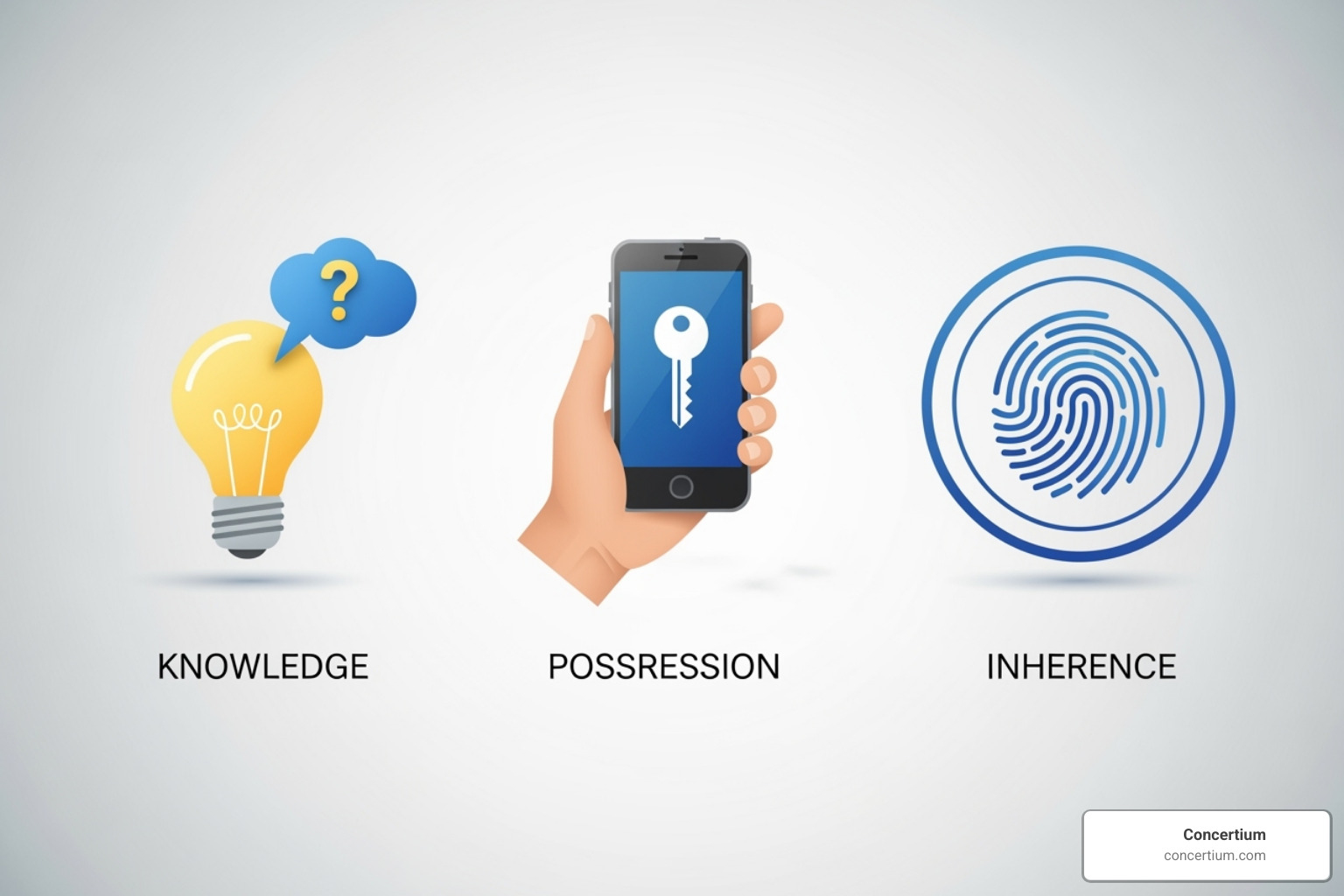
Multi-factor authentication solutions work by combining different types of evidence to prove your identity. These are known as the pillars of authentication:
- Something You Know (Knowledge Factor): This is information only you should know, like a password, PIN, or security question. Its main weakness is that it can be stolen, guessed, or forgotten.
- Something You Have (Possession Factor): This refers to a physical or digital item you possess, such as a smartphone with an authenticator app or a hardware security key. It’s much harder for a remote attacker to steal.
- Something You Are (Inherence Factor): This leverages your unique biological traits, like a fingerprint, face scan, or voice pattern. These are extremely difficult to fake or steal.
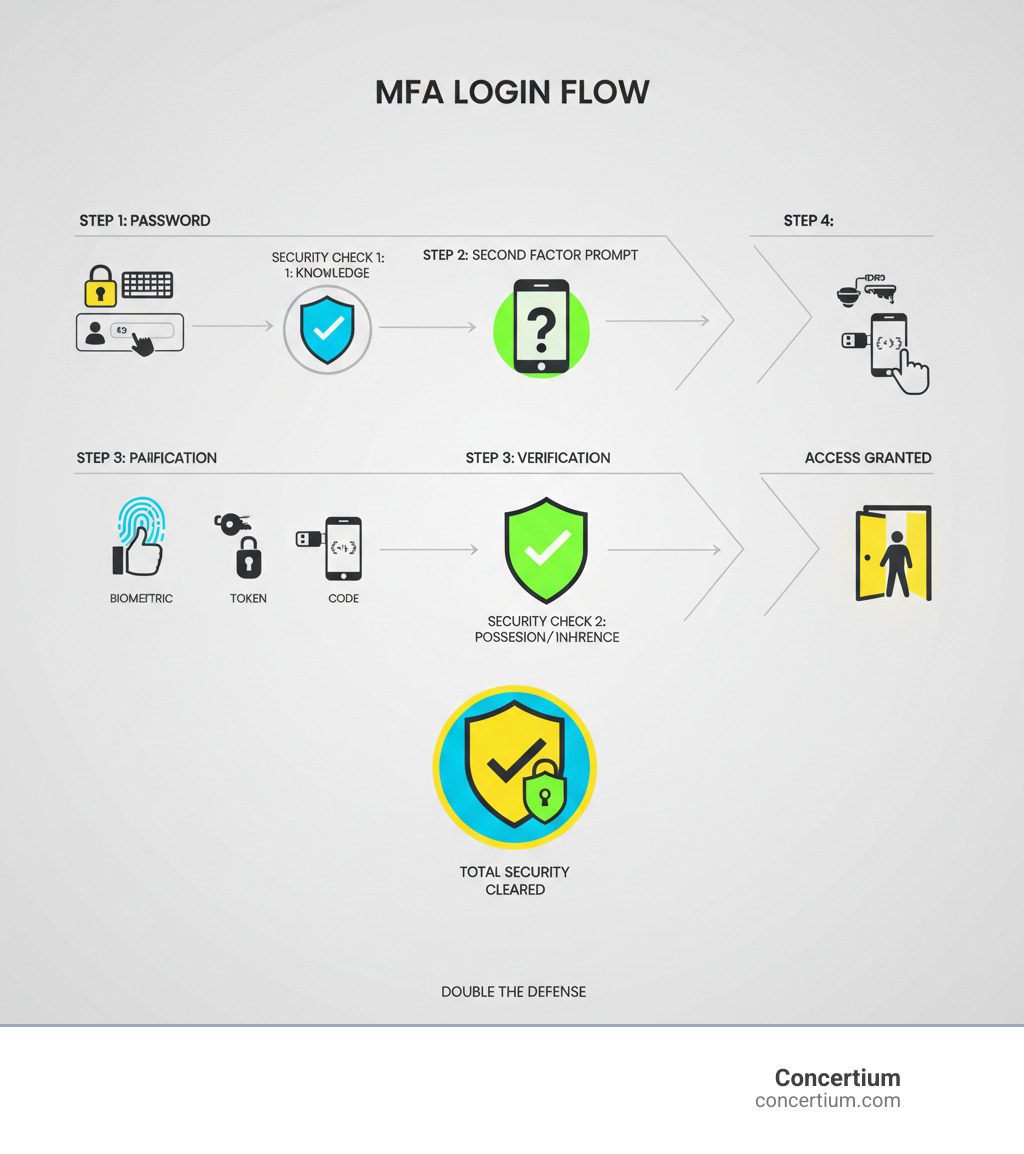
The authentication process requires verification from different pillars. For example, after entering your password (knowledge), you might be prompted for a code from your phone (possession). This layered defense principle is what makes MFA so effective. Even if an attacker steals your password, they still need your physical device or biometric data, making remote attacks incredibly difficult.
MFA vs. Two-Factor Authentication (2FA)
It’s helpful to understand the distinction between MFA and 2FA. Think of Two-Factor Authentication (2FA) as a specific type of MFA.
- 2FA requires exactly two factors from two different categories (e.g., a password and a code from an app). It is widely supported and provides a significant security upgrade for most applications.
- Multi-Factor Authentication (MFA) is the broader term for any system requiring two or more factors. This could be 2FA, or it could involve three or more factors (e.g., password + app code + fingerprint). MFA can also be adaptive, adjusting requirements based on risk.
True multi-factor authentication combines factors from different categories (knowledge, possession, inherence). Using a password and a security question is less secure because both are knowledge factors. For most business accounts, 2FA is sufficient. However, high-sensitivity environments like financial systems or healthcare databases warrant stronger, adaptive MFA.
A Guide to Common Multi-Factor Authentication Solutions
Choosing the right multi-factor authentication solutions involves understanding that not all methods offer the same level of security or user convenience. The goal is to find a balance that fits your organization’s needs.
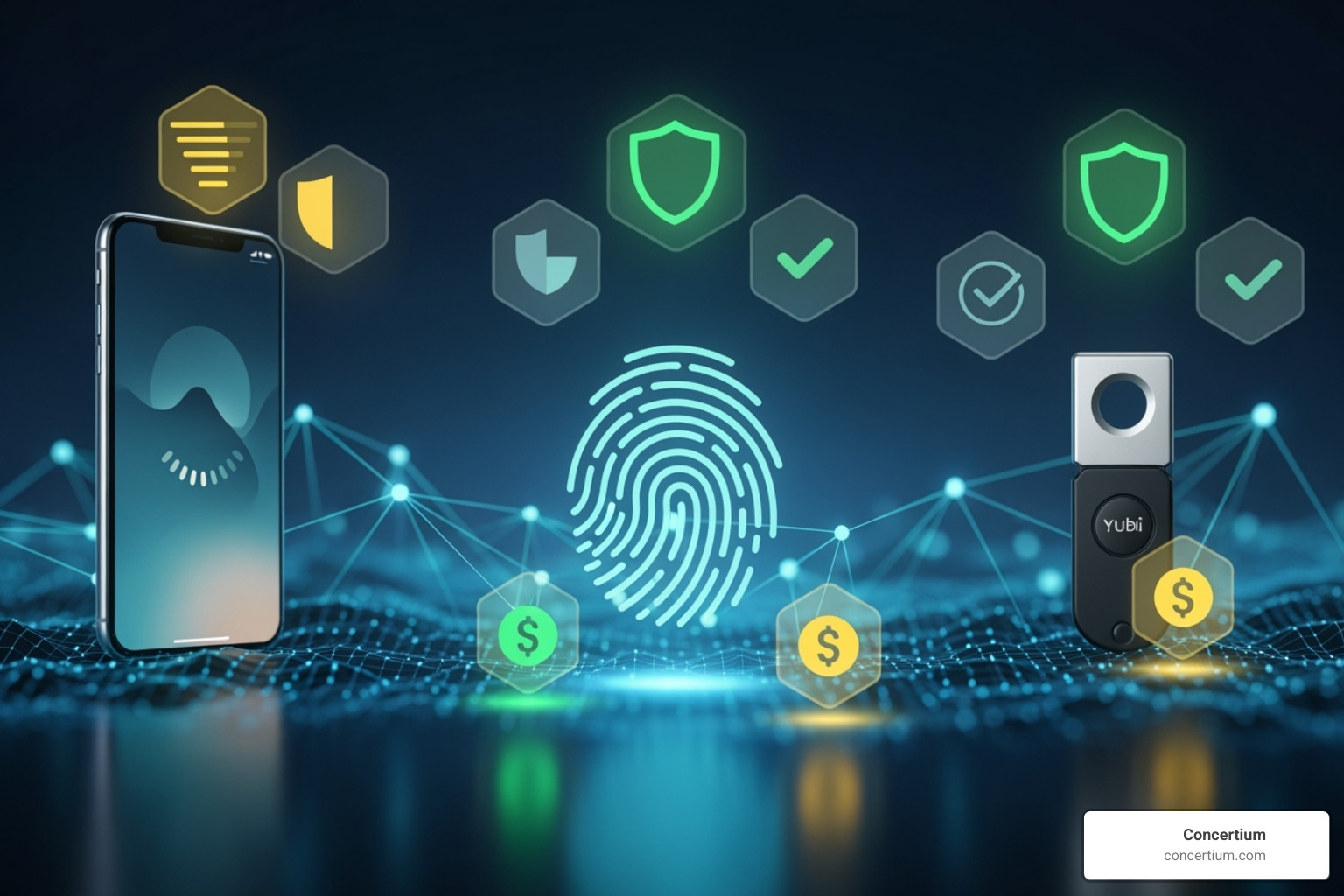
When evaluating options, consider phishing resistance, user experience, and implementation complexity. The most secure methods are phishing-resistant, meaning they can’t be bypassed even if a user is tricked by a fake login page. On the other hand, some convenient methods like SMS codes have known vulnerabilities.
A good strategy often involves adaptive authentication, which requires stronger verification only when a login attempt seems suspicious, such as from a new device or an unusual location.
Knowledge-Based Factors: Passwords and PINs
Passwords, PINs, and security questions are the most common “something you know” factors. Their main strength is familiarity and low cost. However, they are highly vulnerable to theft through phishing, keyloggers, and data breaches. They are also susceptible to brute-force attacks and social engineering, which is why understanding How to Protect Yourself from Social Engineering Attacks is critical. Even with MFA, strong password practices remain important.
Possession-Based Factors: Something You Have
Possession-based factors require an attacker to physically have one of your devices, making them a significant security upgrade.
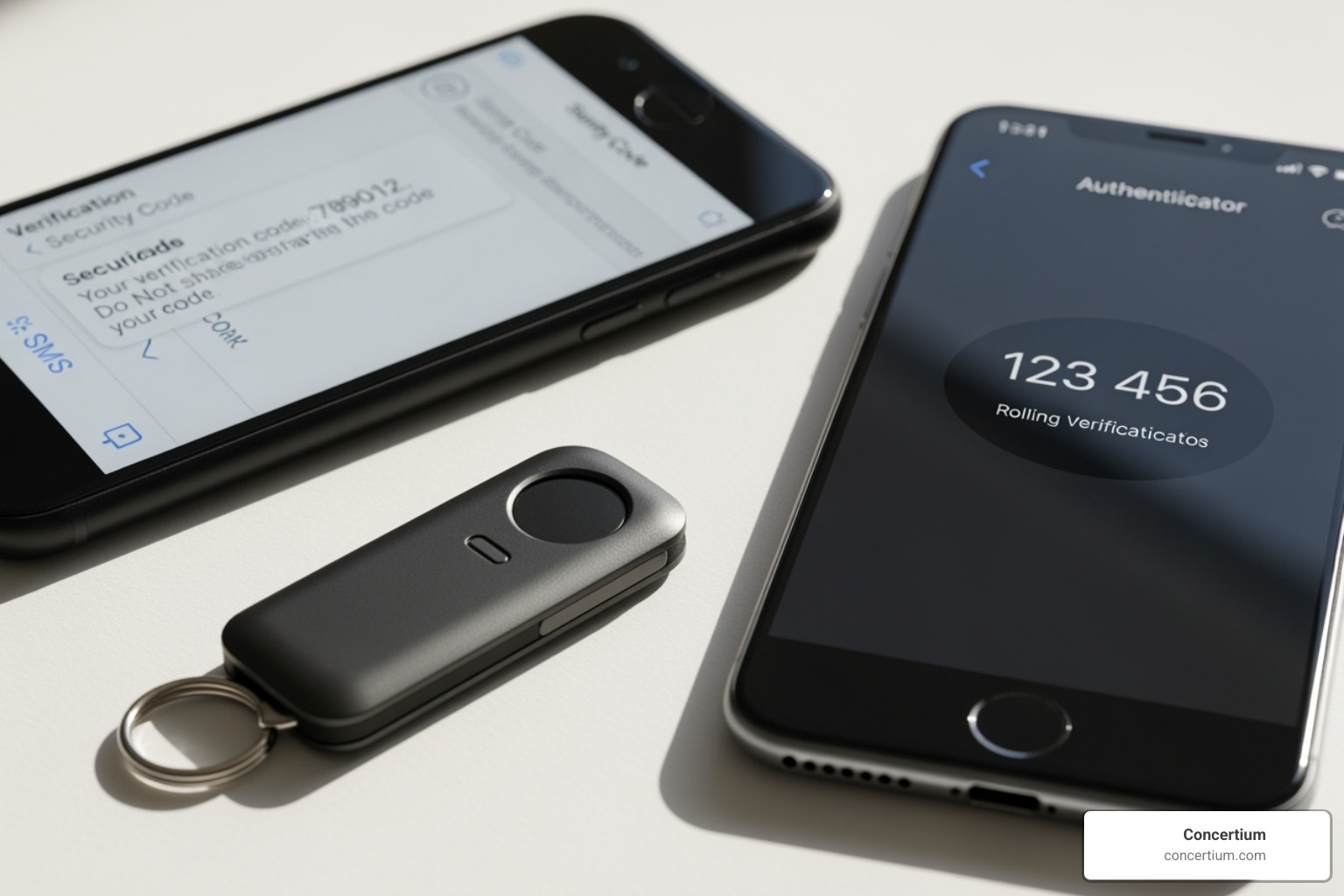
- Hardware Tokens: These physical devices generate one-time passwords (OTPs) or use advanced cryptography. The most advanced versions are phishing-resistant because they verify the legitimacy of the website before authenticating, but they require an upfront investment.
- Software Authenticator Apps: These smartphone apps generate time-based codes (TOTPs). They are convenient since most people carry a smartphone, but they can be phished if a user enters the code on a fake site.
- SMS and Voice Call Codes: While widely available, these are the least secure possession factors. They are vulnerable to SIM swapping attacks, where a criminal transfers your phone number to their device. We do not recommend SMS for high-security environments.
- Push Notifications: This method sends a simple approve/deny request to your phone. It offers a great balance of security and convenience but can be vulnerable to “MFA fatigue” attacks, where an attacker spams requests hoping for an accidental approval. Modern systems use number matching to prevent this.
Inherence-Based Factors: Something You Are
Biometric authentication uses your unique biological traits, like a fingerprint, face, or voice pattern. It’s like having a password you can never lose or forget.
- Physical Biometrics: Fingerprint scanners and facial recognition are common on modern devices, offering quick and reliable authentication.
- Behavioral Biometrics: This emerging technology analyzes patterns like how you type or move your mouse, providing continuous authentication throughout a session.
Biometric data is extremely difficult to replicate, and it often provides the lowest friction for users. However, implementation can be costly, and there are privacy concerns to address. For maximum security and privacy, biometric data should be stored and processed locally on the user’s device.
Best Practices for Implementing MFA
Successfully rolling out multi-factor authentication solutions is a strategic project, not just a technical task. A haphazard deployment can be undermined by users who find it difficult or confusing.
Strategic Planning and Assessment
Start by identifying your most critical systems and data—your “crown jewels.” Conduct a risk assessment to understand your specific threats, which will inform which MFA methods are most appropriate. Our Cybersecurity Risk Assessment Services can help with this process. Define clear policies on who needs MFA and which methods are acceptable. Finally, use a phased rollout, starting with a pilot group like your IT team to resolve issues before a company-wide deployment.
User Training and Enrollment
Since MFA adds a step to logging in, a smooth user experience is vital. Streamline the enrollment process with self-service wizards and clear instructions. Comprehensive user training should explain why MFA is important for protecting both company and personal data. This helps turn users into security advocates. Ensure you have ongoing support channels to handle lost devices or other issues, preventing users from trying to bypass MFA.
Ongoing Monitoring and Auditing
Deployment is just the beginning. Continuously monitor MFA events and logs for unusual patterns, such as repeated failed attempts or logins from strange locations. Regularly review your policies to adapt to new threats and business needs. Your incident response plan should include scenarios where MFA is compromised, as no solution is completely foolproof.
For more on building a complete security plan, see our guide on How to Develop Cybersecurity Strategy.
Choosing the Right Multi-Factor Authentication Solutions for Your Needs
Selecting the perfect MFA solution depends on your specific circumstances. Start by assessing what you’re protecting. High-value assets demand the strongest, phishing-resistant protection, while less sensitive systems may be fine with authenticator apps.
- Consider your users: Are they tech-savvy? Do they all have smartphones?
- Check technical integration: Does the solution work with your existing identity systems and applications?
- Balance security and user experience: Excessive friction leads to workarounds that weaken security.
- Evaluate cost and scalability: Consider both initial and ongoing costs, including administrative overhead.
The UK’s National Cyber Security Centre offers excellent guidance on Authentication methods: choosing the right type (NCSC), which can help inform your decision.
Mitigating Common MFA Vulnerabilities
Even strong MFA can be targeted. Understanding these attacks is key to defending against them.
- MFA Fatigue Attacks: Attackers spam users with push notifications, hoping for an accidental approval. The best defense is number matching, which requires active user input. CISA provides guidance on Implementing Number Matching in MFA Applications (CISA).
- SIM Swapping Attacks: These target SMS-based MFA by taking control of a user’s phone number. The solution is to avoid SMS and voice-based MFA for sensitive accounts.
- Session Hijacking: Attackers steal session cookies after a user has already authenticated. Shorter session timeouts and continuous authentication can help mitigate this.
- Adversary-in-the-Middle (AiTM) Phishing: These sophisticated attacks use a proxy to capture both a password and an MFA code in real-time. Phishing-resistant MFA methods like FIDO2 hardware keys are the strongest defense, as they cryptographically verify the website’s identity.
The Future of Authentication and Compliance
Beyond security, multi-factor authentication solutions are now a critical compliance requirement in many regulated industries. Regulatory bodies recognize that passwords alone are insufficient to protect sensitive data.
- HIPAA: Requires strong access controls to protect patient health information (PHI).
- GDPR: Emphasizes appropriate technical measures, like MFA, to protect the personal data of EU citizens.
- PCI DSS: Mandates MFA for all administrative access to systems handling credit card data.
- NIST: Frameworks like SP 800-63 provide gold-standard guidelines for authentication, with MFA as a central component.
Implementing a strong MFA solution often helps satisfy multiple compliance requirements at once, strengthening your overall security posture. Understanding What is Cybersecurity Compliance? and staying current with Cybersecurity Compliance Standards is essential.
Emerging Trends in Multi-Factor Authentication Solutions
The world of authentication is evolving to become both stronger and more user-friendly.
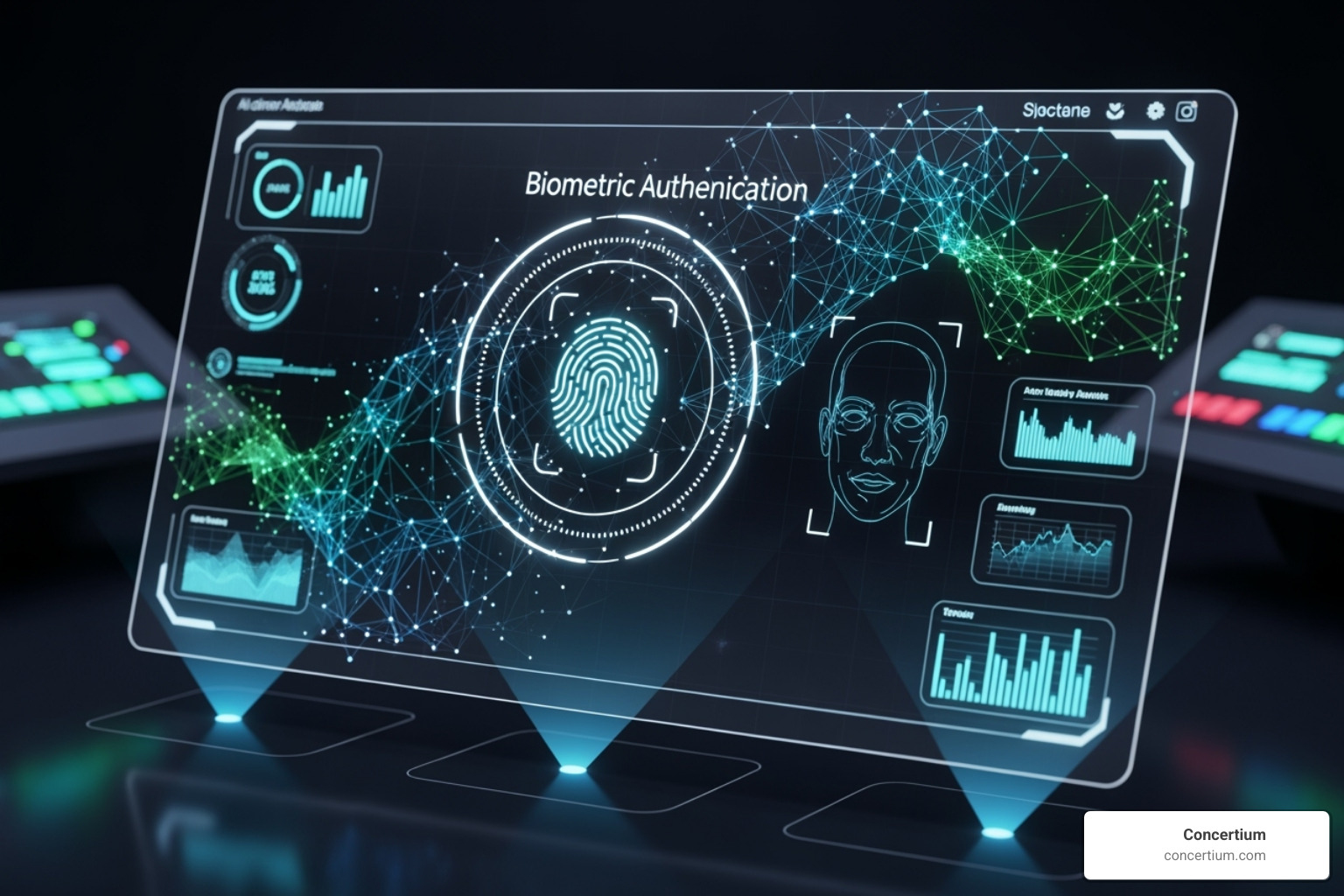
- Passwordless Authentication: This approach eliminates passwords entirely, relying on biometrics or security keys. It removes the weakest link in security while creating a smoother user experience.
- Adaptive and Context-Aware MFA: AI-driven systems assess risk in real-time. A login from a trusted device may require a simple push notification, while a high-risk attempt from a new location would trigger a demand for stronger verification.
- AI and Machine Learning Integration: These systems analyze vast amounts of data to detect subtle anomalies in user behavior that could indicate a compromise, automatically triggering step-up authentication or blocking the attempt.
- Continuous Authentication: Instead of a single check at login, these systems use behavioral biometrics (typing speed, mouse movement) to continuously verify the user’s identity throughout a session.
- Decentralized Identity: Using technologies like blockchain, this model allows users to own and control their digital identity, giving them more control over their personal information.
These trends point to a future where strong security is nearly invisible to the user, improving the experience while providing more robust protection.
Frequently Asked Questions about Multi-Factor Authentication
Is MFA completely foolproof against all cyberattacks?
No, but multi-factor authentication solutions are highly effective, blocking over 99.9% of automated account compromise attacks. Sophisticated methods like Adversary-in-the-Middle (AiTM) phishing or MFA fatigue attacks can bypass weaker forms of MFA. However, these attacks require far more effort from criminals, who will often move to easier targets. The key is to implement strong, phishing-resistant MFA methods and educate users on emerging threats. MFA dramatically reduces risk, even if it doesn't eliminate it entirely.
What are the most secure MFA methods available today?
The gold standard for security is phishing-resistant MFA. These methods are designed to defeat even sophisticated phishing attacks.
FIDO2-compliant hardware security keys are a top choice. They use public-key cryptography to verify that they are communicating with the legitimate website before authenticating, making them immune to phishing.
On-device biometrics (like Face ID or fingerprint scanners) are also highly secure. The biometric data never leaves the user's device, making it nearly impossible for an attacker to steal it remotely.
The Cybersecurity and Infrastructure Security Agency's publication on phishing-resistant MFA offers more detail on why these methods are considered the most secure.
How does MFA impact the user experience?
While MFA adds a step to the login process, modern multi-factor authentication solutions are designed to minimize friction. Methods like push notifications (a single tap to approve) and biometrics (a fingerprint or face scan) can be faster and more convenient than typing a complex password.
Furthermore, adaptive MFA improves the user experience by only challenging users when a login attempt is deemed risky. For routine access from a trusted device, the user may not be prompted for a second factor at all. The goal of a well-implemented MFA solution is to be a minor speed bump for security, not a frustrating roadblock.
Secure Your Digital Front Door
Think of multi-factor authentication solutions as the modern security system for your organization’s digital front door. Relying solely on passwords is like leaving that door open uped. The evidence is clear: MFA is a foundational security control for every business.
When a single measure can block over 99.9% of account compromise attacks, the question isn’t whether you can afford to implement MFA—it’s whether you can afford not to. We’ve covered how MFA works by combining something you know, have, and are. We’ve also highlighted that not all MFA methods are created equal.
Sophisticated threats require sophisticated defenses. Phishing-resistant methods are your best defense against the evolving tactics of modern cybercriminals. A successful implementation comes from strategic planning, user training, and choosing solutions that balance robust security with a smooth user experience.
The future of authentication is passwordless, adaptive, and powered by AI—and it’s more accessible than ever. For organizations navigating this landscape, the challenge is choosing and implementing the right solution.
At Concertium, we’ve spent nearly 30 years helping businesses in Tampa and beyond strengthen their digital defenses. Our Collective Coverage Suite (3CS) integrates MFA into a comprehensive security strategy that includes threat detection, compliance management, and risk mitigation custom to your environment.
Don’t leave your digital front door vulnerable. The right multi-factor authentication solutions are your most critical line of defense.
Ready to secure your business with enterprise-grade MFA? Let’s discuss how Concertium can help you implement the perfect authentication strategy.
Managed Cybersecurity Services